Automated Blog Hero Images: Gemini Generation, GD Thumbnails, and Eloquent Observer Wiring
How a Gemini API call, a PHP GD thumbnailer, and a single Eloquent observer turned blog hero images into a zero-touch pipeline. No admin panel interaction required.
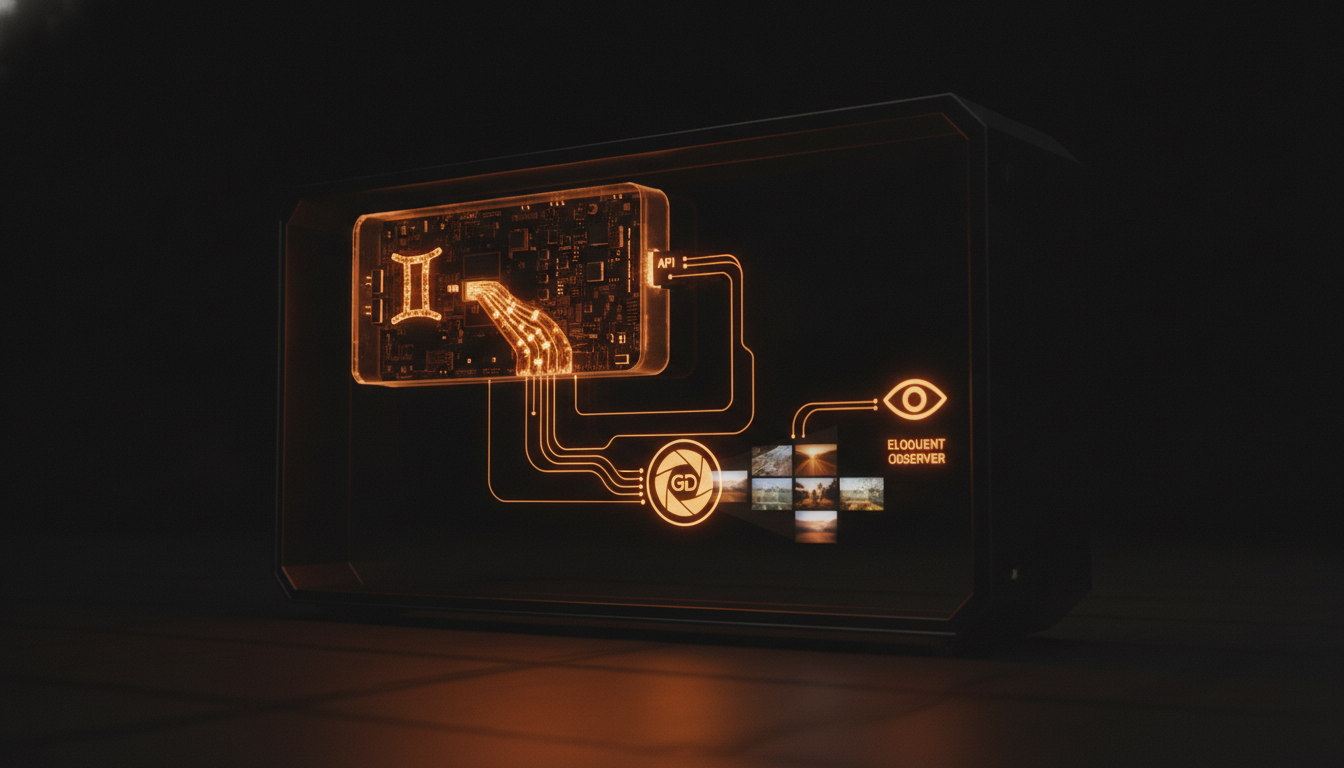
The Problem
Every blog post on this site needs a hero image. A 16:9 header image for the post page, plus a smaller thumbnail for listings and social previews. That is two images per post, and posting more than once a day means creating them faster than any manual workflow can sustain.
The pipeline had three requirements:
- Generate a unique hero image from a text prompt -- no stock photos, no designer bottleneck
- Create a 400x225 px thumbnail from that hero image automatically
- Zero manual steps between writing a post and having both images ready
Layer 1: Gemini Image Generation
The GeminiImageService wraps the Gemini API's generateContent endpoint with responseModalities: ['IMAGE']. It takes a text prompt and an aspect ratio, and returns raw image bytes.
public function generateImage(string $prompt, string $aspectRatio = '16:9'): array
{
    $body = [
        'contents' => [
            ['parts' => [['text' => $prompt]]],
        ],
        'generationConfig' => [
            'responseModalities' => ['IMAGE'],
            'imageConfig' => [
                'aspectRatio' => $aspectRatio,
            ],
        ],
    ];

    $response = Http::withHeaders(['Content-Type' => 'application/json'])
        ->timeout(60)
        ->post($url, $body);
    // ... parse inlineData from response parts
}
The prompt is constructed from the blog post's title and excerpt, giving Gemini enough context to generate a relevant image. The model parameter and API key come from config/services.php, loaded from environment variables set via flyctl secrets.
The response handler iterates candidates[0].content.parts looking for inlineData with a base64 payload. If no image comes back -- the model sometimes returns text reasoning instead -- the service throws a RuntimeException that the caller catches and logs.
The timeout is set to 60 seconds. Gemini image generation takes 5-15 seconds for 16:9 images on the current model; the buffer absorbs latency spikes without breaking the request.
Layer 2: GD Thumbnail Resizing
The hero image is typically 1024x576 or larger. The listing page and social cards need a 400x225 version to keep page weight down and render times fast.
The HeroThumbnailService uses PHP GD, which ships with every standard PHP installation:
public function createFromHeroPath(string $heroPath): ?string
{
    $fullPath = Storage::disk('public')->path($heroPath);
    $image = $this->loadImage($fullPath);  // GD resource from JPEG/PNG/WebP
    $thumb = $this->resize($image, 400, 225);
    $binary = $this->encode($thumb, $fullPath);
    Storage::disk('public')->put($thumbPath, $binary);
    return $thumbPath;
}
loadImage() reads the file through getimagesize() and dispatches to the correct GD factory (imagecreatefromjpeg, imagecreatefrompng, or imagecreatefromwebp). resize() calls imagecopyresampled for high-quality bilinear interpolation. encode() preserves the original format so a JPEG hero produces a JPEG thumbnail.
GD was chosen over ImageMagick or Intervention for two reasons: zero additional dependencies (GD is compiled into PHP by default on the Fly.io Docker image), and the resize operation is simple enough that GD's 15-year-old API is more than adequate.
The thumbnail path is stored in the hero_thumbnail column on blog_posts. The heroListingImageUrl accessor returns the thumbnail URL when available, falling back to the full hero image:
public function getHeroListingImageUrlAttribute(): ?string
{
    return $this->hero_thumbnail_url ?? $this->hero_image_url;
}
Layer 3: The Eloquent Observer
The BlogPostObserver hooks into the saved event to auto-generate thumbnails:
public function saved(BlogPost $post): void
{
    if (empty($post->hero_image)) {
        $this->thumb->deleteThumbnail($post->hero_thumbnail);
        if ($post->hero_thumbnail !== null) {
            $post->updateQuietly(['hero_thumbnail' => null]);
        }
        return;
    }

    $needThumb = empty($post->hero_thumbnail) || $post->wasChanged('hero_image');
    if (! $needThumb) {
        return;
    }

    $thumbPath = $this->thumb->createFromHeroPath($post->hero_image);
    if ($thumbPath !== null) {
        $post->updateQuietly(['hero_thumbnail' => $thumbPath]);
    }
}
Three behaviors:
- Hero cleared: the thumbnail is deleted and the column is set to null. This prevents stale thumbnails from orphaned hero images.
- Hero unchanged: nothing happens.
updateQuietlyon the thumbnail update does not re-trigger the observer, avoiding an infinite loop. - Hero changed or missing thumbnail: the thumbnail is regenerated.
wasChanged('hero_image')catches the update case so replacing a hero image produces a matching thumbnail.
The observer uses updateQuietly specifically to prevent observer re-entry. A regular update() would fire saved again, which would see the thumbnail is now present and skip, but it is cleaner to avoid the unnecessary dispatch.
The Full Flow
When a new blog post is created through the API:
POST /api/blog/posts  { title, content, hero_image, ... }
        |
        v
BlogPost::create()  -->  saved event fires
        |
        v
BlogPostObserver::saved()
  - hero_image is set but hero_thumbnail is null
  - HeroThumbnailService::createFromHeroPath()
  - updateQuietly(['hero_thumbnail' => 'blog/hero/thumbnails/thumb_...']
The GenerateBlogHeroThumbnailsCommand (php artisan blog:hero-thumbnails) provides a batch reprocessor for existing posts. It iterates all posts with a non-null hero_image, generates any missing thumbnails, and reports progress via a console progress bar.
Why Not Use an Image CDN?
A managed image CDN (Cloudinary, Imgix) would handle resizing, format negotiation, and caching. But this site is deliberately zero-SaaS -- no third-party image processing, no external CDN bills, no API rate limits for basic resizing.
GD is already installed. The disk storage is on a Fly.io volume. The total cost is zero dollars per month for an unlimited number of thumbnails. The tradeoff is that GD's output quality is acceptable but not exceptional -- the bilinear interpolation in imagecopyresampled produces slightly softer results than Lanczos resampling. For a 400px listing thumbnail on a dark-themed site, the difference is invisible.
What I Would Change
The Gemini image generation prompt is still hand-crafted per post. An Artisan command could generate a prompt from the post content automatically, then call the Gemini API, store the result, and trigger the observer chain in one step. That would make the entire pipeline zero-touch from draft creation to published post with hero image and thumbnail.
The observer handles the thumbnail side already. The missing piece is an blog:generate-hero command that takes a post ID and a prompt template, calls Gemini, saves the result, and lets the observer do the rest.