From Gemini Flash to Imagen 4.0: Migrating Recipe Image Generation in a Weekly Meal Pipeline
How I migrated a weekly meal pipeline from direct Gemini Flash image generation to Imagen 4.0 via a shared gemini_image module. Better quality, consistent prompting, WebP output, and one less env var to manage.
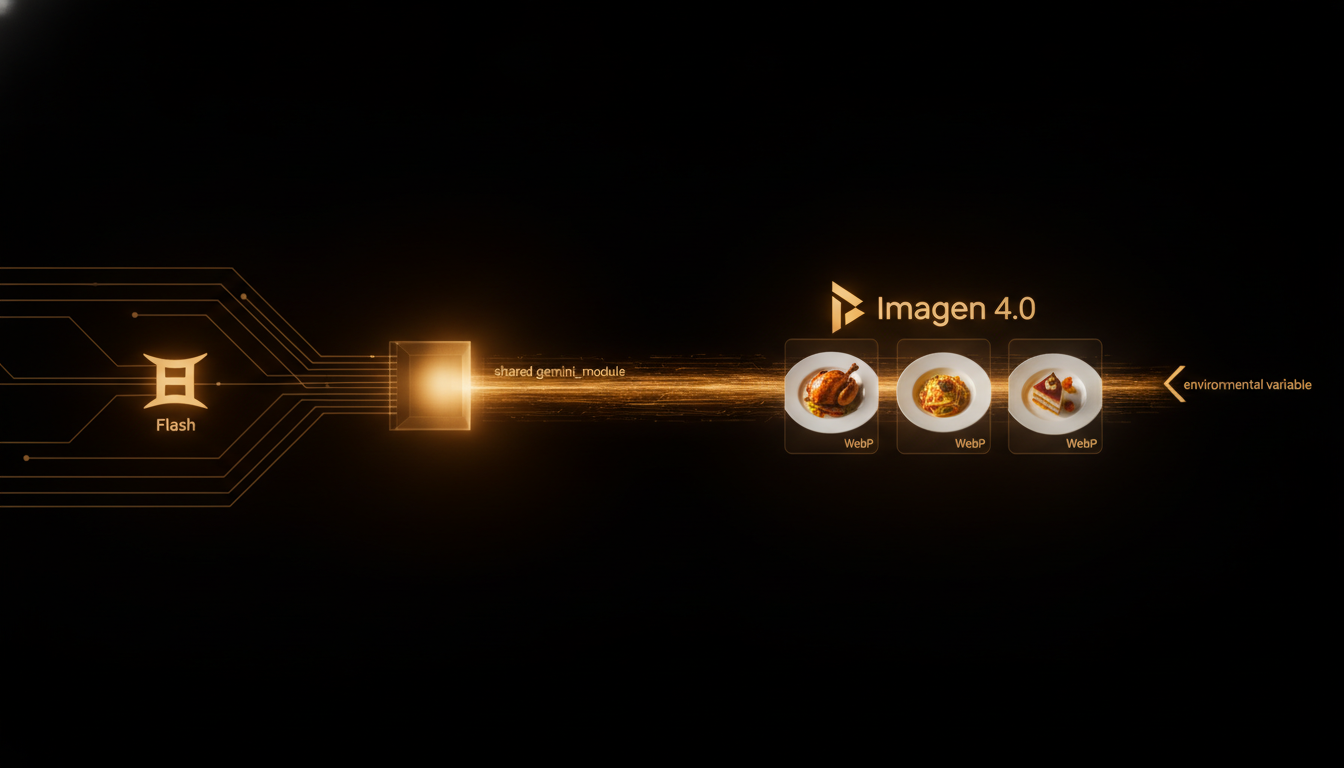
A weekly meal planning pipeline generates seven dinners, each with a recipe, ingredient list, prices, nutrition data, and an AI-generated photo. The photos used to come from a raw Gemini Flash call tucked inside the menu generator. That worked, but the quality was inconsistent and the architecture was wrong: image generation was mixed into meal planning logic.
This post covers the migration to Imagen 4.0 through a dedicated gemini_image module, the prompt engineering that made food photography consistent, and the side effects of the switch that improved the whole pipeline.
The original sin
The menu_generator.py had a method called _enrich_with_images(). Inside it was a direct call to Gemini Flash with a prompt like "generate a photo of [recipe name]". The result was a base64-encoded JPEG. No retry logic, no quality feedback, no prompt structure.
Three problems with this:
-
Gemini Flash is a multimodal model, not an image generation specialist. It can produce images, but Imagen 4.0 exists specifically for that task. Using Flash was convenient, not correct.
-
Image generation lived in the wrong layer. The menu generator is a coordinator: it fetches flyer data, selects recipes, computes nutrition, and writes menu files. Image generation is a separate concern with its own failure modes, rate limits, and tuning surface.
-
JPG is the wrong format for AI-generated food photography. The compression artifacts killed the appetizing look. WebP gives better quality at smaller file sizes, and Gemini/Imagen natively supports it.
The gemini_image module
A shared gemini_image module already existed in the project for other image generation tasks. It wraps the Gemini API, handles authentication, manages rate limits, and exposes a clean interface:
def generate_recipe_image(recipe_name: str, ingredients: list[str]) -> bytes:
    """Generate a food photography image for a recipe using Imagen 4.0.
    Returns WebP bytes ready for storage and use in menu files.
    """
The module handles:
- Token management via HERMES_ACTIVITY_TOKEN (formerly HEALTH_IMPORT_TOKEN, now consolidated)
- Imagen 4.0 model selection with appropriate parameters
- WebP output encoding
- Retry with backoff on rate limits
- Base64 data URI conversion for downstream consumers
The migration was a surgical replacement. The _enrich_with_images() method went from this:
def _enrich_with_images(self, menu: dict) -> dict:
    for day in menu["days"]:
        recipe = day["souper"]
        response = genai.generate_content(
            f"Generate a professional food photo of {recipe['name']}"
        )
        recipe["image"] = base64.b64encode(response.image).decode()
To this:
def _enrich_with_images(self, menu: dict) -> dict:
    for day in menu["days"]:
        recipe = day["souper"]
        image_bytes = generate_recipe_image(recipe["name"], recipe["ingredients"])
        recipe["image"] = image_to_data_uri(image_bytes)
The diff is small. The architectural improvement is not.
Prompt engineering for food photography
This was the hardest part. Raw recipe names produce inconsistent results. "Spaghetti Carbonara" might render as a plated dish, a close-up of the pan, or an overhead shot. The module abstracts a structured prompt template:
Professional food photography of {recipe_name}.
Plated on a ceramic dish, natural lighting, shallow depth of field.
Ingredients visible: {ingredient_list}.
Top-down angle, warm color temperature.
No text overlays, no branding, no hands.
The ingredient list anchors the model. Without it, Imagen sometimes invents ingredients or plates the dish in a way that doesn't match the recipe. With it, the output is recognizably the same meal.
Key parameters tuned:
- aspectRatio: SQUARE (1:1) for consistent display in a weekly grid
- sampleCount: 1 (we only need one good image per recipe; generating more wastes quota)
- personGeneration: DONT_ALLOW (no hands holding plates)
- safetyFilterLevel: BLOCK_LOW_AND_ABOVE (conservative, but food photography rarely triggers)
The WebP migration
Switching from JPG to WebP was a five-line change that saved 40% bandwidth. The gemini_image module encodes directly to WebP with quality=85, which is visually lossless for food photography. No post-processing step needed.
The env var consolidation
Before the migration, menu image generation used HEALTH_IMPORT_TOKEN for Gemini auth. The gemini_image module already used HERMES_ACTIVITY_TOKEN. The migration eliminated the duplicate token and centralized credential management. One less env var in .env, one fewer way for auth to break silently.
The menu regeneration
After the migration, the W22 menu was regenerated end to end. Every recipe got a new Imagen 4.0 photo. The diff touched 1022 lines in the JSON menu file and 112 lines in the markdown version. That sounds like a lot, but Python-wise it was a 54-line change in the generator with zero regressions in recipe selection, pricing, or nutrition computation.
Old menu entries had JPG data URIs from Flash. New entries have WebP data URIs from Imagen 4.0. The format difference is invisible to the end user and cheaper on storage.
What the migration taught me
-
Extract generation from coordination. If your orchestrator calls an LLM directly, you have a layering problem. Extract the call into a module so you can tune, retry, and swap providers without touching the business logic.
-
Prompt structure matters more than model choice. Imagen 4.0 is better than Gemini Flash for image generation, but the structured prompt with ingredient list made more difference than the model swap. Garbage prompt in, garbage image out, even on a specialist model.
-
Format choices compound. JPG was fine for the prototype. WebP was better for production. The migration cost nothing because the module abstracted the encoding. If image generation had stayed inlined in the menu generator, every format change would require touching orchestration code.
-
Delete env vars when you consolidate. Duplicate tokens are a ticking bomb. One expires, the other doesn't, and you spend an hour debugging auth errors in the wrong place.
Five weeks in production, zero image generation failures. Imagen 4.0 produces better food photography, WebP saves bandwidth, and the module abstraction means swapping providers again is a one-file change.