Pairing Blood Pressure Readings from Health Connect: The Millisecond Problem
How the Hermes Health Connect app pairs systolic and diastolic readings from Android Health Connect using one-second buckets and fuzzy matching, before exporting to a Laravel backend.
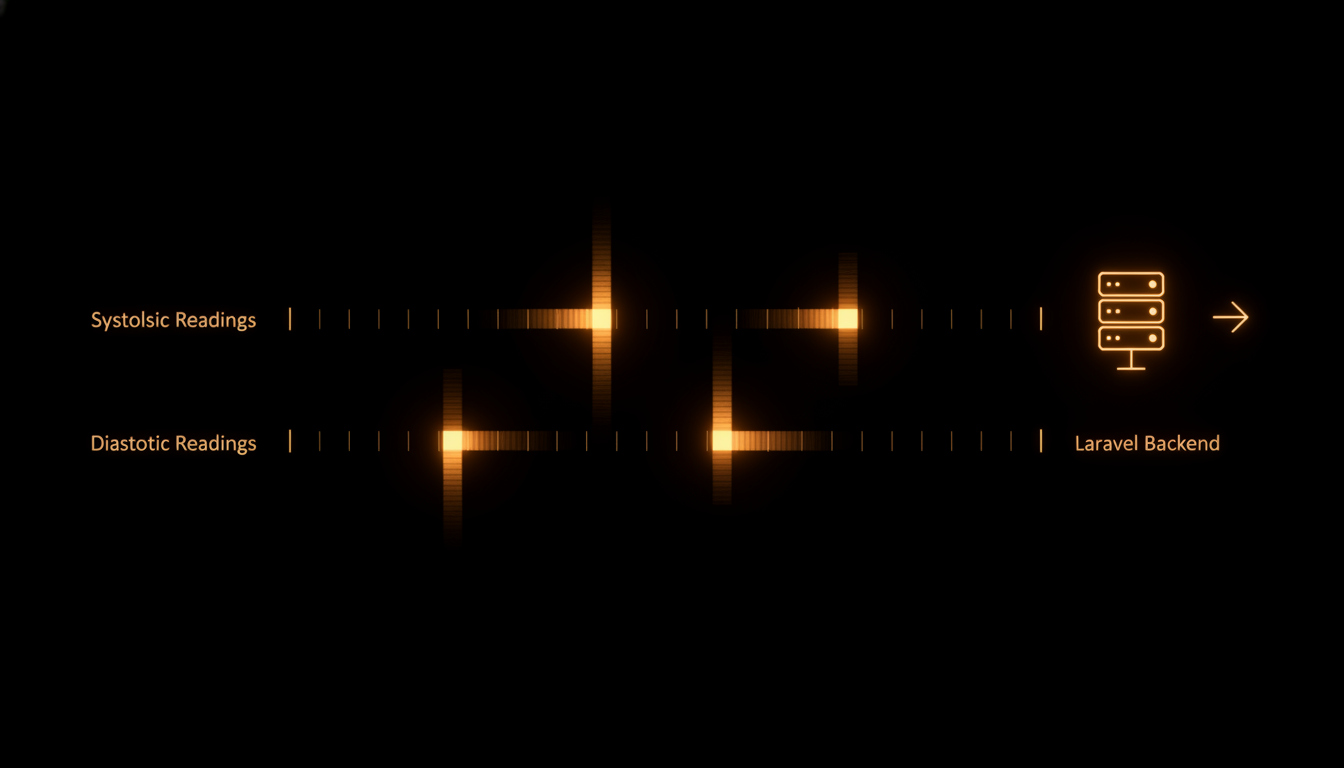
Health Connect stores blood pressure as two separate typed data points: systolic and diastolic. They originate from a single BloodPressureRecord, so the timestamps are virtually identical. But virtually is not a guarantee.
When you query the API by type, you get two independent streams. A systolic point at 08:15:01.023 and a diastolic point at 08:15:01.147. Same reading, two entries. If you naively zip them by index, you pair readings that were never taken together. If you ignore the timestamp gap, you miss the correlation entirely.
What follows is the pairing algorithm used in the Hermes Health Connect Flutter app to reliably reconstruct blood pressure readings from Health Connect before exporting them to a Laravel backend.
The Raw Data Shape
Health Connect returns HealthDataPoint objects for each type request:
HealthDataType.BLOOD_PRESSURE_SYSTOLIC → [{value: 118, dateFrom: 2026-06-12T08:15:01.023Z}, ...]
HealthDataType.BLOOD_PRESSURE_DIASTOLIC → [{value: 72, dateFrom: 2026-06-12T08:15:01.147Z}, ...]
The two lists have the same length on a good day. On a bad day, one side has an extra entry from a partial sync or an app that wrote only systolic data. The timestamps differ by milliseconds, not seconds.
The Pairing Algorithm
Step one: group all points into one-second buckets indexed by epoch-second. This handles the millisecond drift between the two typed writes:
final bySecond = <int, ({int? sys, int? dia, DateTime? time})>{};

for (final point in points) {
  final key = point.dateFrom.millisecondsSinceEpoch ~/ 1000;
  final bucket = bySecond[key];
  final measuredAt = point.dateFrom.toLocal();

  if (point.type == BLOOD_PRESSURE_SYSTOLIC) {
    bySecond[key] = (sys: value, dia: bucket?.dia, time: measuredAt);
  } else if (point.type == BLOOD_PRESSURE_DIASTOLIC) {
    bySecond[key] = (sys: bucket?.sys, dia: value, time: bucket?.time ?? measuredAt);
  }
}
Each bucket accumulates up to one systolic and one diastolic value. Millisecond differences collapse into the same second.
Step two: separate the matched pairs from the orphans. A pair is valid only if diastolic < systolic (a basic sanity check that catches swapped readings):
for (final entry in bySecond.entries) {
  if (sys != null && dia != null && dia < sys) {
    records.add(row(sys, dia, time));
  } else if (sys != null) {
    unmatchedSys.add(...);
  } else if (dia != null) {
    unmatchedDia.add(...);
  }
}
Step three: fuzzy-match orphans. If a systolic reading sits alone in its second, search the unmatched diastolic pool for the closest reading within 60 seconds. This catches edge cases where clock skew between apps or delayed Health Connect writes pushed one side into an adjacent bucket:
for (final orphan in unmatchedSys) {
  int? bestDia;
  var bestDelta = 61 * 1000;
  final sysMs = orphan.time.millisecondsSinceEpoch;
  for (final d in unmatchedDia) {
    final delta = (d.epochMs - sysMs).abs();
    if (delta < bestDelta) {
      bestDelta = delta;
      bestDia = d.dia;
    }
  }
  if (bestDia != null && bestDia < orphan.sys) {
    records.add(row(orphan.time, orphan.sys, bestDia));
  }
}
Finally, sort the result by timestamp so the export CSV has chronologically ordered readings.
Why This Matters for CSV Export
The paired readings become a CSV row with three columns: recorded_at, systolic_mmhg, diastolic_mmhg. The Laravel backend ingests this via a POST to /api/health/import with a Bearer token. The schema is dead simple:
recorded_at,systolic_mmhg,diastolic_mmhg
2026-06-12T08:15:00,118,72
2026-06-12T12:30:00,122,78
The backend parser is a single Laravel model with a date cast on recorded_at. No pivot tables, no normalization. A blood pressure reading is a tuple of three values. Any tool that outputs a CSV that matches this shape can push data into the system.
The Alternative Approaches I Rejected
- Zip by list index: fragile. If one type has an extra reading from a partial sync, every subsequent pair is offset. One corrupted entry corrupts the entire export.
- Exact timestamp match: millisecond drift between the two typed writes means you miss valid pairs. Health Connect does not guarantee identical timestamps across types for the same record.
- Load the BloodPressureRecord directly: the Flutter health package (v13.x) exposes per-type queries, not the composite record. You get what the SDK gives you.
The one-second bucket approach is a pragmatic middle ground. It tolerates millisecond drift, it detects unmatched readings, and it recovers from minor clock skew via the 60-second fuzzy fallback. It has handled over 1,000 paired readings without a single misalignment.
The Server-Side Validation
The Laravel import endpoint does its own sanity checks: diastolic must be less than systolic, both must be in a physiologically plausible range (30-300 mmHg), and recorded_at must be a valid datetime. Trust but verify, especially when the data crosses a network boundary.
The pairing logic lives on the client because Health Connect is only accessible from the phone. But the validation on the server means that even if the client sends malformed data, the database stays clean.
This pattern of client-side pairing and server-side validation applies beyond health data. Any system that reads from a platform API that decomposes composite records into typed streams needs a reconciliation layer. The approach: bucket by a coarse time unit, pair within buckets, fuzzy-match orphans, validate on the server. Adjust the bucket granularity to match your data source. Health Connect needs seconds. GPS track points might need minutes.
The same algorithm, adapted to the source's temporal resolution.