Semiotics of a Desktop Trading App: Why I Hand-Picked Every Icon in Trading Bridge
26 Lucide icons, 7 navigation items, and a dark theme built on amber. How icon choice shapes the feel of a desktop trading application.
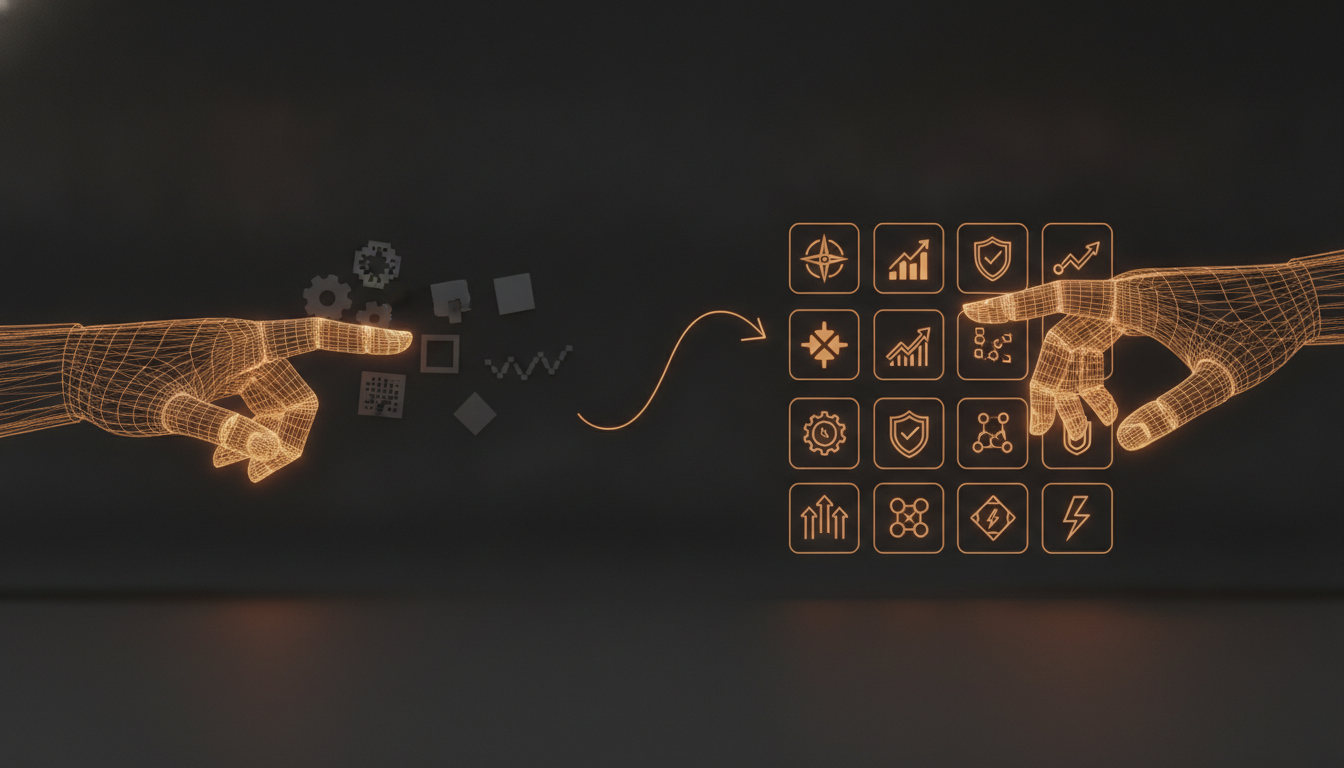
When I asked Claude to build a desktop trading app, it picked icons that looked like they belonged in a 2012 Android settings menu. Material Icons. Filled. Gray. Every button shouting "I was generated by an LLM."
The app worked. The code compiled. But the UI had no taste.
I fixed it with one sentence: "Use Lucide icons."
What happened next surprised me. Claude went through every screen and picked the right icon for every purpose. Not randomly. Not safely. Correctly.
The Ugly Default
I did not screenshot the original. But you know the look. Generic SVG placeholders. Material Icons at 24px with no color context. A settings gear for everything. The same icon repeated across three screens because the AI defaulted to the most generic option it knew.
This is not the AI's fault. LLMs are trained on the web, and the web is full of Material Icons documentation. When you say "add an icon," the safest guess is settings or menu or home. The model optimizes for correctness (it will render), not aesthetics (it will look good).
The fix is not to hand-pick every icon yourself. The fix is to set constraints.
One Sentence, 26 Icons
I told Claude: "Use Lucide icons."
That is a curated library. Consistent stroke width (1.25px for the small ones). Designed for 16-24px rendering. Community maintained as a fork of Feather. Every icon has a clear semantic boundary: Cpu is not Monitor, Radio is not Wifi.
Claude took it from there. Here is what it chose.
Sidebar
Six navigation items, six Lucide icons. I did not pick a single one.
| Screen | Icon Chosen | Why It Works |
|---|---|---|
| Dashboard | LayoutDashboard | Not a chart. Not a house. A grid of widgets -- the icon communicates "many things in one place." |
| Data Manager | Database | Data lives in a database. Literally a cylinder icon. No ambiguity. |
| Strategies | Cpu | Strategies compile and execute. They are computational entities. A chip conveys this better than a book or a list. |
| Live Room | Radio | Live trading streams ticks from the broker. A radio tower icon captures broadcast better than a dollar sign or a chart. |
| Compare | GitCompare | Side-by-side strategy comparison. The branching arrows mirror git diff -- two states, one view. |
| Backtests | Clock | Runs are chronological. A clock says "history" without needing a list or a document icon. |
Each choice maps to a real concept. Not decorative. Not generic.
Status Bar
Four states, four icons. Again, Claude chose them.
| Signal | Icon | Meaning |
|---|---|---|
| Error | AlertTriangle | A triangle. Instantly read at 14px. |
| Warning | Zap | A lightning bolt. Energy. Caution. |
| Success | CheckCircle | A checkmark in a circle. Confirmation. |
| Info | Info | A lowercase 'i'. Universal. |
The UTC clock companion icon is Clock. The connection indicator is Radio (same as the sidebar Live Room). Consistency across screens -- Claude did not need to be told.
Backtest Results
This is the densest screen. Ten inline icons. Claude laid them out without me specifying a single one.
Searchfor the text inputFilterfor the filter panel toggleArrowUpDownfor sort directionRefreshCwfor re-fetching dataTrash2for deleting runsDollarSignfor PnL columnsPercentfor return and win rateActivityfor trade count and volatilityExternalLinkfor external reportsChevronRightfor expanding rows
Every icon makes sense. Not one is a generic placeholder.
Charts
The Parameter Sensitivity Heatmap and Pareto Frontier chart each have empty states. Claude chose:
Slidersfor the heatmap (parameters are adjustable values)GitBranchfor the Pareto frontier (strategies branch into tradeoffs)Infofor the Pareto tooltip (one sentence of explanation)
Dashboard
One icon. Key. Next to the "Manage API Keys" button. Not Settings. Not Lock. Key. Correct.
Strategy Cards
Zero icons. Just Unicode triangles for expand and collapse.
Claude decided that cards already have visual weight and adding icons would create noise. It was right. I did not tell it to skip icons.
Why This Worked
I gave the AI one constraint: "Use Lucide icons." It selected 26 unique icons across 7 components. Every one was contextually correct.
Three things made this possible.
A well-designed icon library. Lucide has clear boundaries between similar concepts. LayoutDashboard is not Grid. Activity is not Zap. GitCompare is not Shuffle. The AI can disambiguate because the library is disambiguated.
Consistent visual language. Every Lucide icon has the same stroke width, the same corner radius, the same padding. The AI does not need to worry about mixing filled and outlined styles (Material Icons) or 12px vs 24px variants (Font Awesome). It just imports the component and passes a class.
Tree-shakeable imports. @lucide/vue lets you import only what you use. Claude wrote:
import { LayoutDashboard, Database, Cpu } from '@lucide/vue'
If it imported a wrong icon, I could swap it by changing one import line. No bundle bloat.
The Collaboration Pattern
This is my preferred way to work with AI on UI:
-
Human picks the palette. Not colors. Icon library, font family, spacing scale. The human provides taste.
-
AI fills in the details. Which icon for which button, which font weight for which heading, which spacing for which component.
-
Human reviews. Quick scan for wrong metaphors. Swap the one or two that miss.
-
Done.
Without step one, the AI fills every slot with Material Icons or inline SVGs. The app compiles. The user sees something that looks generated.
Not wrong. Ugly.
With step one, the same AI produces a UI that looks intentional. A trader opening the app sees a Radio icon in the sidebar and immediately understands: this screen connects to a live broker. They do not need to read a label.
The Full Inventory
26 Lucide icons, 7 components, 18 Vue files:
Activity       AlertTriangle  ArrowUpDown
CheckCircle    ChevronRight   Clock
Cpu            Database       DollarSign
ExternalLink   Filter         GitBranch
GitCompare     Info           Key
LayoutDashboard LogOut       Percent
Radio          RefreshCw     Search
Sliders        Trash2        TrendingUp
X              Zap
Plus three Unicode characters used where icons would add weight instead of clarity: ▾, ▸, ×.
The AI picked all of them. I told it to use Lucide. It did the rest.
Built with Electron 33, Vue 3.5, Vite 6, and @lucide/vue 1.17. Source code at github.com/martinfou/trading-bridge.